Working TDM
Take the fight beyond the tower in TDM.
Play LET IT DIE 4.18.0 with your group on a private server. Take on a 40-floor tower, battle Haters that drop DMs, and play working TDM. The client connects to your host and checks for updates before play.
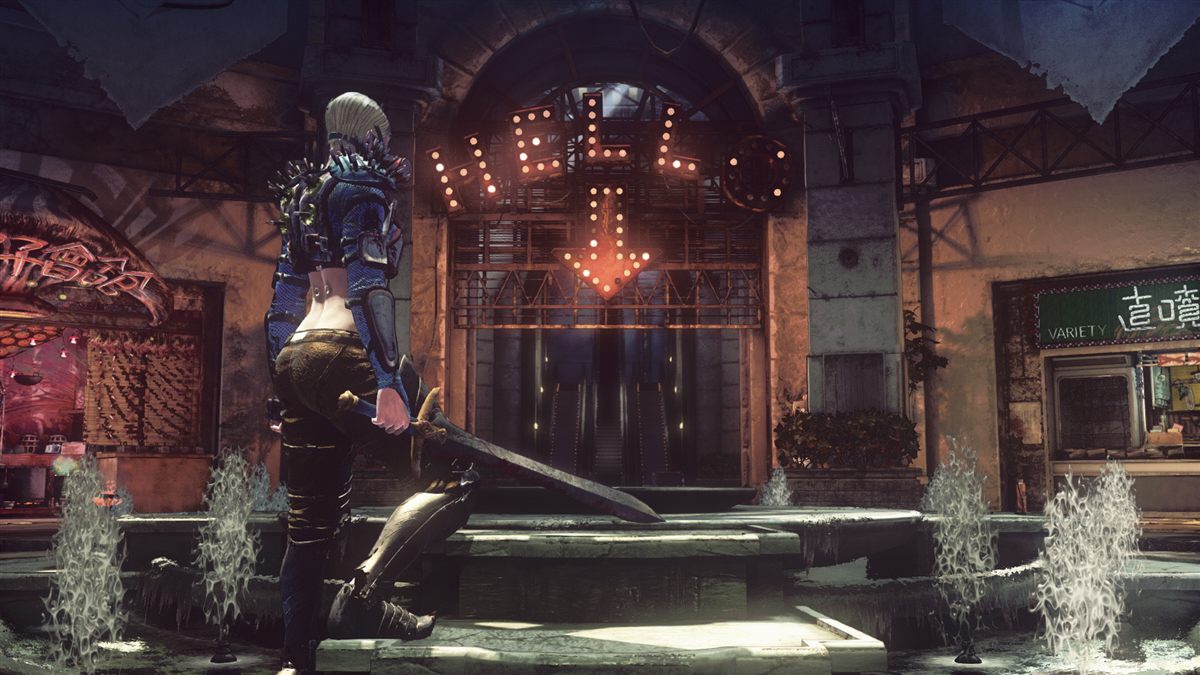
Take the fight beyond the tower in TDM.
Climb through the 4.18 tower with your private server account.
Fight Haters for a chance at DMs.
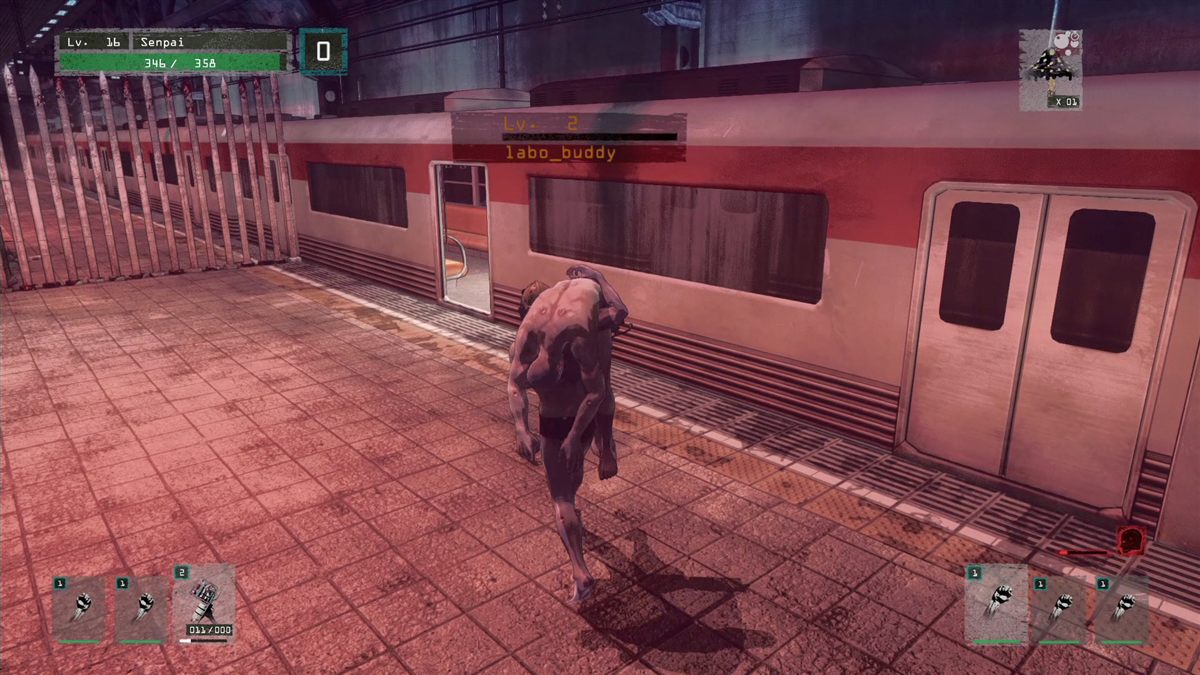
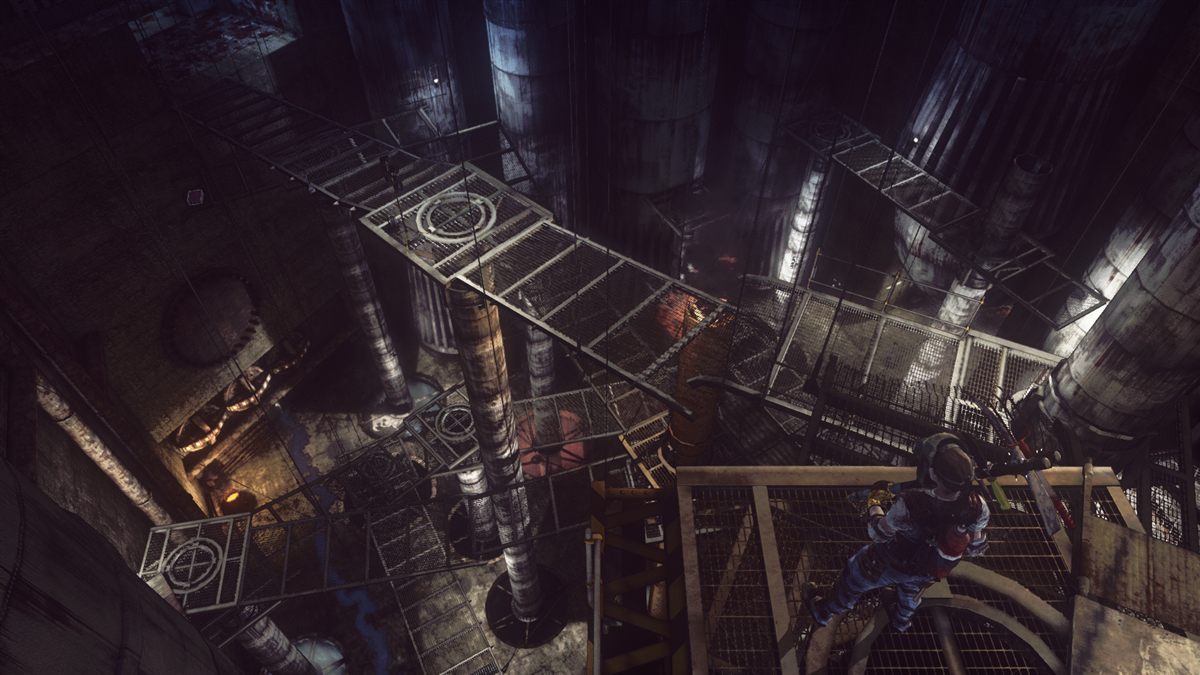
Official LET IT DIE screenshots show the game world and TDM; they are illustrative, not captures from this private server build. Images: Steam and PlayStation Blog.
You need a running server hosted by someone in your group. Ask that host for an invite code and, if the launcher asks, the server address.
Use Windows 10 or 11. Run Steam with LET IT DIE in your library and leave about 45 GB free for the 4.18 game files.
Extract the ZIP where you want the game to live, then run Install-Client.cmd. It can copy an existing 4.18 client folder or download and check the files through Steam.
Open the LET IT DIE 4.18 Online shortcut. Create an account using your host's invite code, sign in, and play. The launcher checks for host updates before starting the game.
Your private server stores your account and save, so your progress follows that server account across computers. The client remembers your username but does not save your password.
The ZIP contains the launcher and setup files. It does not contain the game or a server. The included README covers file verification, repair, restore, and uninstall.